Team tracker and knowledge base
Free Scrum, Kanban, and Scrumban delivery—with boards, backlogs, reporting, and the metrics agile teams expect.

Use modern agile practices without fighting your tools
Engio Agile helps you roll out and sustain Scrum, Kanban, and Scrumban—the same practices that work in high-uncertainty IT workstreams and in any domain where priorities shift quickly.
Plan product functionality
Manage your backlog and work plan
Record meeting results in the knowledge base
Customize the tool to suit your project needs
Key capabilities

The functional decomposition of the created product, consisting of features and epics, allows you to describe and control the progress of work on the product from the consumer’s point of view.
The system calculates the planned completion dates for features and visualizes the current Roadmap of the product on a calendar chart.

Project planning by sprints and releases allows you to record planned deadlines and deviations based on estimates of completion of stories and tasks, calculated by the system taking into account the workload of employees, their absences and holidays.
Burndown and Burnup charts are combined with classic calendar and network planning on automatic Gantt charts.

Story boards allow you to track the progress of work on product features, and task boards are used to quickly manage the team’s actions to implement stories.
Automation capabilities, status change rules and life cycle statistics provide comprehensive tools for monitoring the project life cycle.

Record general project knowledge in a knowledge base.
Capture meeting results, goals, plans, and retrospectives.
Import documents received from the customer and associate sections with project tasks.

Advantages
Self-sufficient tool
The Engio Agile project management system includes all the necessary tools for this. All tools are closely integrated with each other and provide a holistic and complete solution for managing Agile projects.Scaling with team growth
As scope, team size, and engineering rigor grow, Engio Agile can grow with you—add modules to evolve into full requirements management (RMS), ALM, or ITSM without replatforming.SAFe support
Scaling agile takes performant, flexible tooling. Engio Agile supports many teams working in parallel across a portfolio.
Everything you need is already here
Spin up Engio Agile in our cloud and explore the full feature set using the bundled demo projects.
Product news
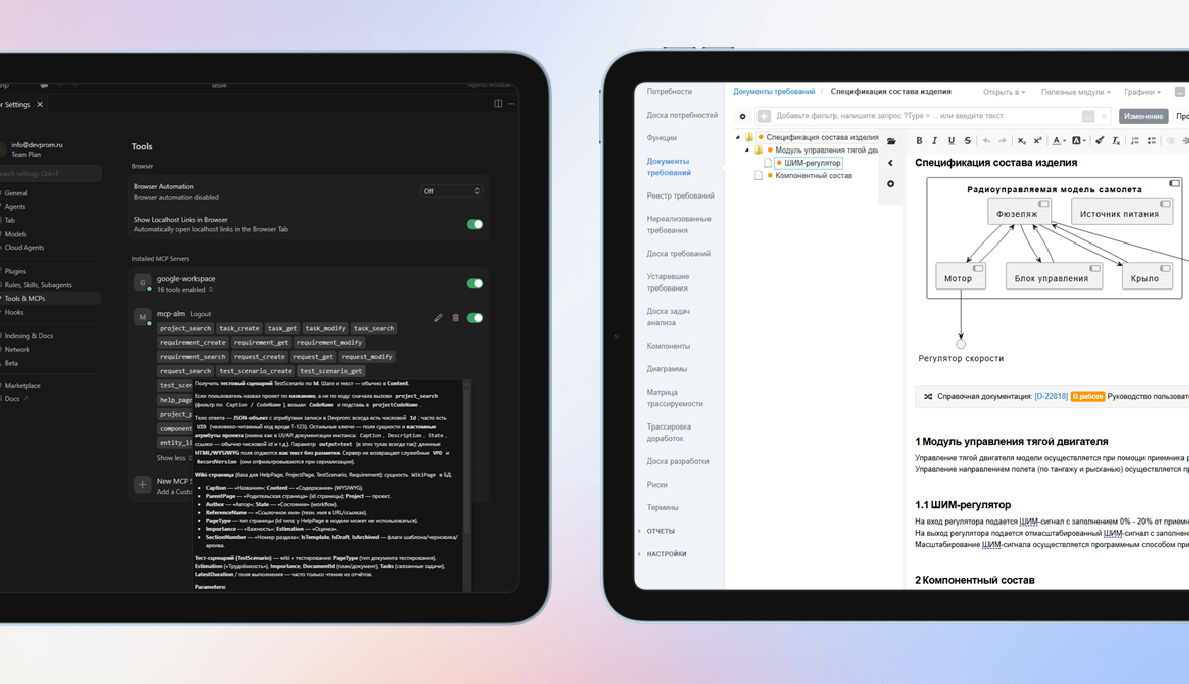
3.24. MCP server, RAG, forms
Semantic search for duplicates, analogs, and impact analysis using the built-in RAG engine with remote and local LLMs. A built-in MCP server hooks into AI agents and automates custom AI workflows. Rules can drive field visibility and required fields from other attribute values on forms. Saved custom filters speed up recurring queries. Bulk-create and bulk-remove traces between engineering artifacts.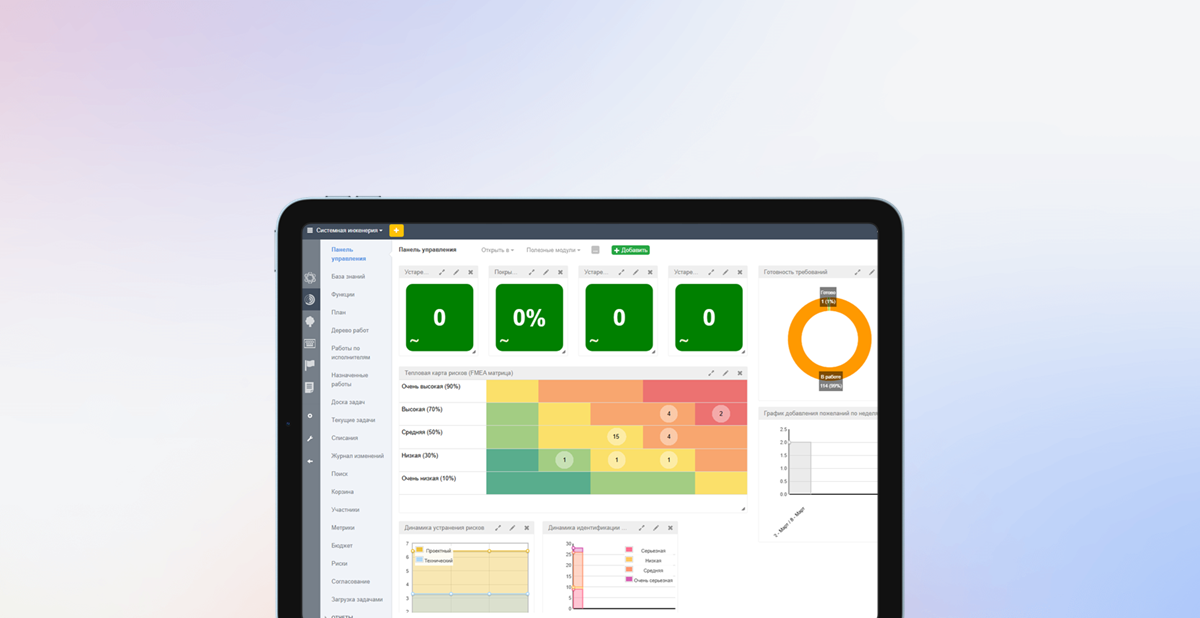
3.23. Risks and work calendar
Risk management adds a register, classification, links from risks to requirements, heat maps, and tracking of how risk parameters change over time. A Recycle Bin lets you park sensitive artifacts instead of deleting them outright. Calendars and work schedules fine-tune user and team availability so SLAs, shifts, and lifecycle metrics stay accurate.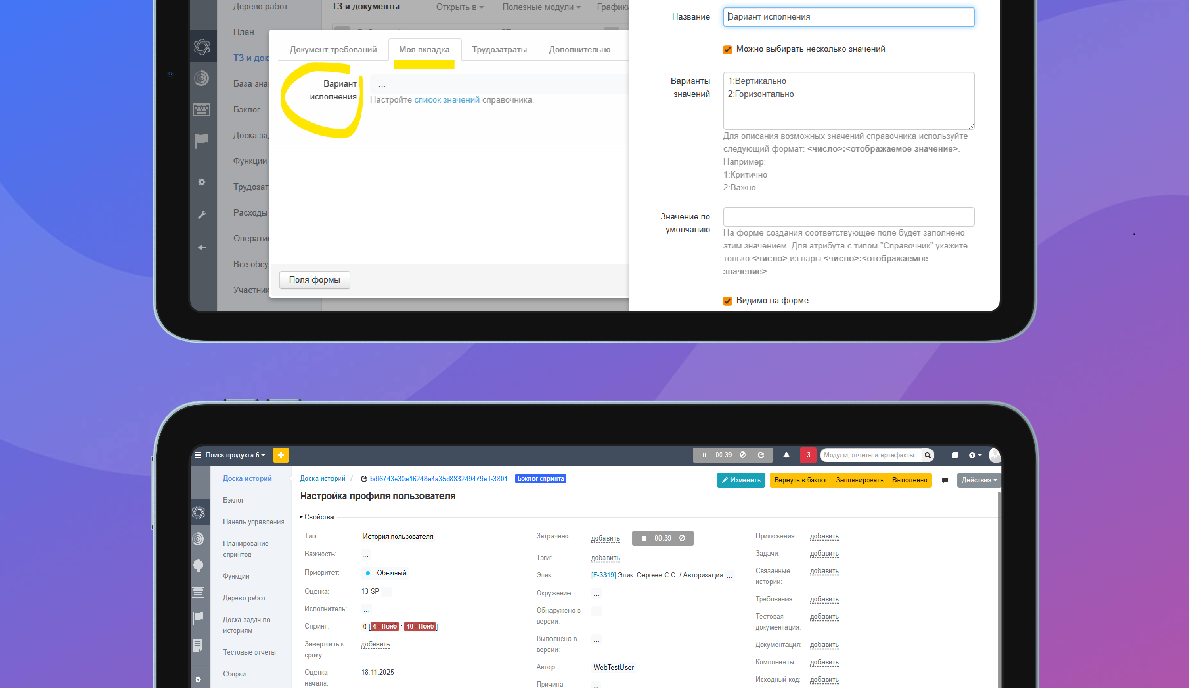
3.22. Working time countdown
Built-in timers capture effort when you switch tasks or complete test reports. Custom tabs organize system and user attributes on forms. Hierarchical iterations support arbitrarily deep plans, while dependencies between iterations keep rolling plans in sync with less manual work.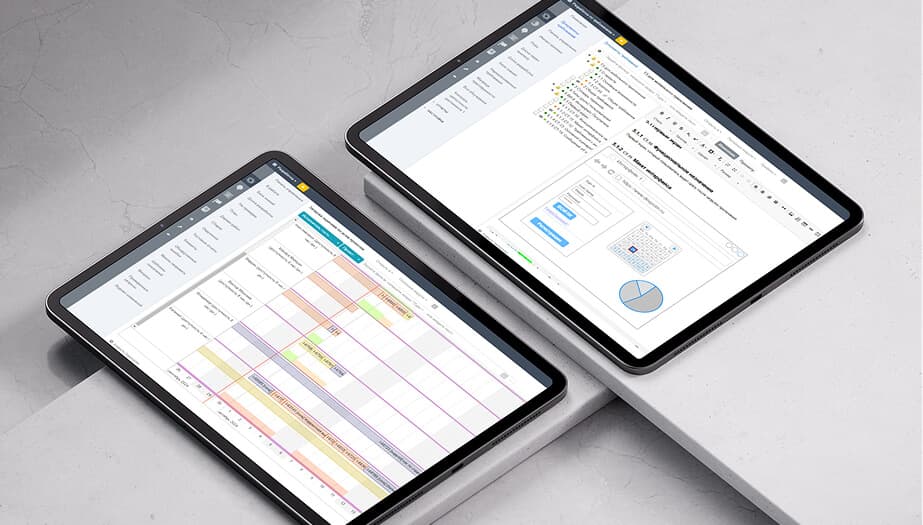
3.21. Project tree
The project tree summarizes large, deeply nested structures. New layout options include right-hand lists and grouping links into folders. Plan vs. actual analytics and historical charts (e.g., story and task owners) are easier to build. Documentation tables can pull parameters from the section where they are embedded. Git access now supports SSH keys.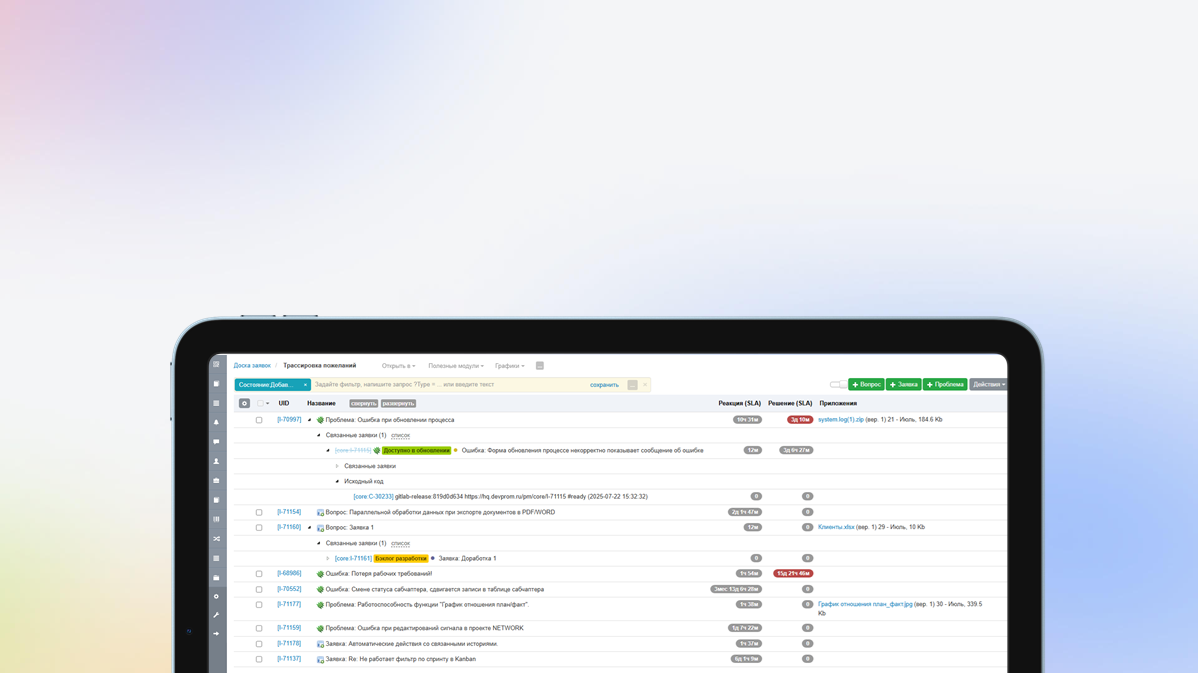
3.20. Hierarchical master data
In this version, users can create their own hierarchical directories, common to all projects or with their own data for each project. A new type of custom attribute has been added - File, which allows you to attach files to any entities. Implemented automatic authentication using domain login, without prior import of accounts. Added multiple selection of rows in views using Shift. Added the ability to link multiple commits to a build and much more...
3.19. PostgreSQL support
In addition to the DBMS, MySQL and MariaDB added support for PostgreSQL. The DBMS is selected when installing the application. Scripts for migration from MariaDB to PostgreSQL are also provided. Improved performance and UX of comparing and merging baselines/requirements branches. Added support for links in UML and Draw.io diagrams. Added the ability to perform a targeted search for data in drop-down lists using search queries. Improved automation capabilities - setting valuescalculated based on formulas and much more...3.18. Automatic charts
Use automatic creation of class and component diagrams based on the component hierarchy, insert diagrams into documents. Use dashboards parameterized by a specific artifact, for example, test results by version for a specific test plan. Use visualizations of requirements versioning and other documentation to better understand branching. Connect S3-compatible storage to store binary project artifacts.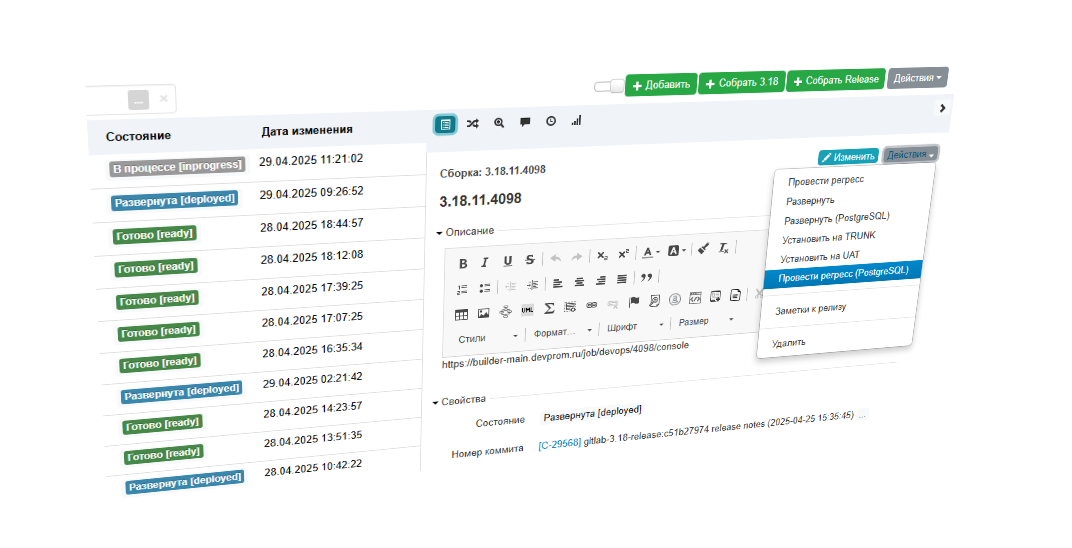
3.17. Custom Actions
Apply custom actions on project artifacts - execute scripts and send webhooks, for example, to run CI/CD tasks: running autotesting, creating assemblies, deploying, etc. Configure artifact UIDs in a convenient way using counters and calculated fields. Send any important reports via email on a scheduled basis. Keep records of employee absences and vacations to get a realistic project plan.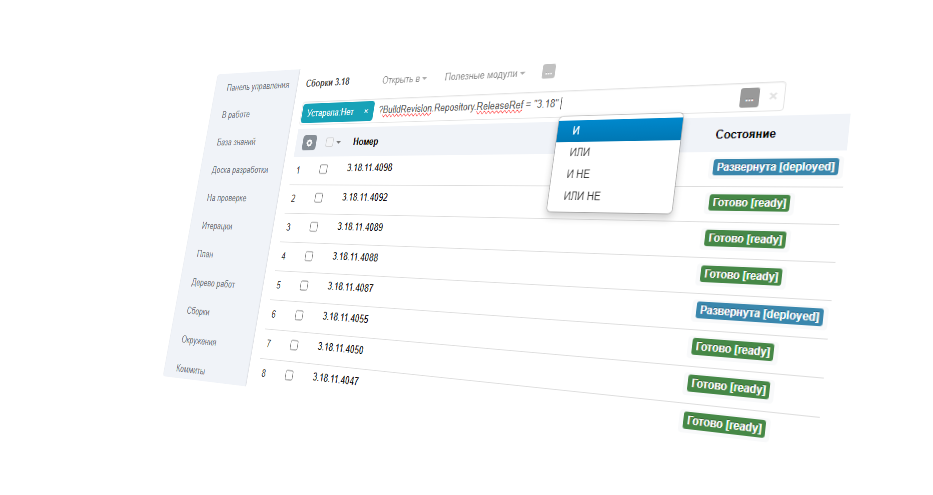
3.16. Built-in query language
To create arbitrary data samples in modules, reports and charts, use a flexible query language. Use more complex prioritization mechanisms such as WSJF (weight-based prioritization). Insert custom reports and modules directly into documentation to dynamically generate tables, traces, etc. Customize the UI to suit your requirements - click on the attribute name to configure its visibility, mandatory requirements, default values, etc.3.15. Script automation
The unlimited customization possibilities of Engio ALM are implemented using script automation - a mechanism that allows you to execute an arbitrary script as a result of events, according to a schedule, as a validation of values, etc. You can modify any data and request data from any external sources. When working with documentation, use Terms; the system will highlight the term and provide a transcript for interested parties. Identify duplicate or similar requirements and dependencies on the Similar tab.FAQ
Yes. It has already replaced Jira for more than 500 customers. Engio Agile includes the core capabilities teams expect: knowledge base, lists, boards, filters, query language, custom workflows, and automation. Email us and we will share a detailed feature-by-feature comparison.
Engio Agile includes built-in integrations with Jira, Redmine, YouTrack, and other trackers. Requests can be synchronized as tasks, with effort, status, and assignee comments returned to Engio Agile. The REST API also supports custom import/export scenarios.
A dedicated Engio Agile module provides deep integration with version control systems (TFS, Git, SVN): automatically link tasks and stories to commits, browse code changes, and connect review tools such as GitLab.